
Download FL Studio Mobile – Digital Audio Workstation, Music Production, Mobile DAW, Android Music Tool
Overview
FL Studio Mobile is a digital audio workstation (DAW) designed for Android devices, offering music creators the ability to compose, record, and produce high-quality tracks directly from their mobile devices. Developed by Image-Line, the same company behind the widely recognized desktop version of FL Studio, this mobile application brings core music production tools into a portable format. The software enables beatmakers, producers, and independent artists to capture musical ideas on the go, making it ideal for spontaneous creativity and project development outside traditional studio environments.
Users can create sequences using a virtual piano, program drum patterns, and apply professional-grade effects such as reverb, EQ, and filters to refine their sound. The app supports exporting projects in multiple formats, including WAV and M4A for playback, or MIDI for further editing on desktop DAWs. While the mobile version is not a full replacement for its desktop counterpart, it serves as a powerful companion tool for professionals and enthusiasts alike.
The developer did not provide additional system requirements, and performance details were not specified. However, the app is accessible via the Google Play Store, indicating compatibility with a broad range of Android devices. Its integration with the desktop version enhances workflow continuity, allowing users to seamlessly transition from mobile creation to full studio production.
Key Features & Capabilities
- Virtual Piano and Step Sequencer – Users can perform melodies and rhythms directly on a virtual piano interface or build sequences step-by-step, enabling precise control over timing and pitch.
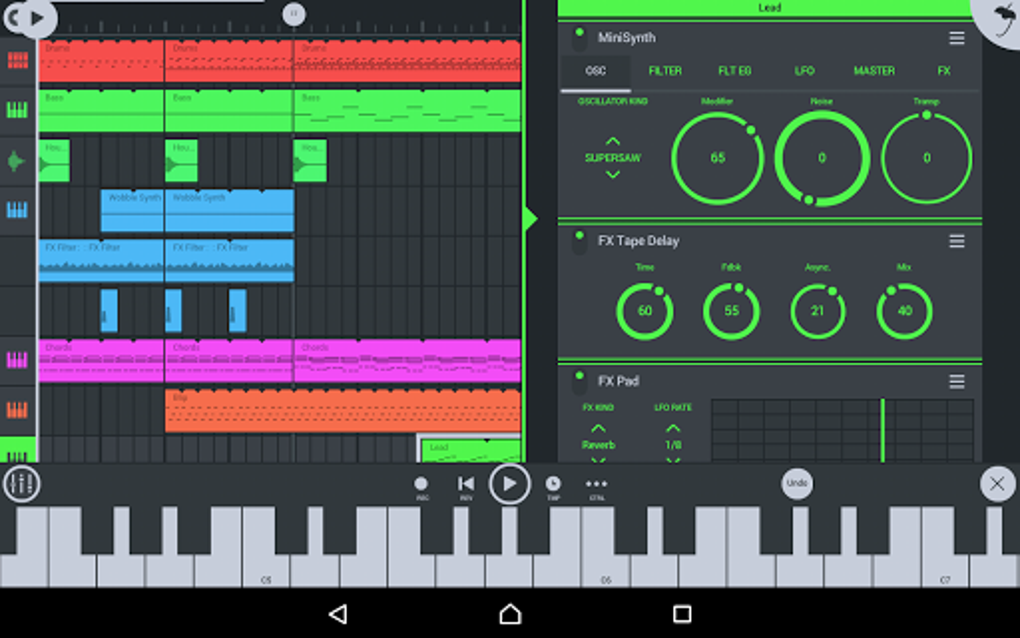
- Integrated Effects Suite – Includes reverb, EQ, filters, and other audio processing tools to shape and enhance sound quality during production.
- 50+ Synthesizer Voices and Instruments – Offers a diverse selection of built-in instruments, including drum machines and sound presets, suitable for a wide range of music genres.
- Multi-Format Export Options – Projects can be exported as WAV, M4A, or MIDI files, supporting both immediate playback and integration with desktop music software.
- Desktop Plug-In Integration – Allows users to continue their work on the full desktop version of FL Studio, ensuring a consistent workflow across platforms.
These features support real-world usage scenarios such as capturing spontaneous musical ideas during travel, developing beats in a live setting, or preparing tracks for further refinement in a studio. The step sequencer is particularly valuable for producers focused on electronic and hip-hop music, while the export functionality ensures that mobile creations are not isolated but part of a larger production pipeline. The developer did not specify additional features beyond those listed.
User Interface, Workflow & Performance
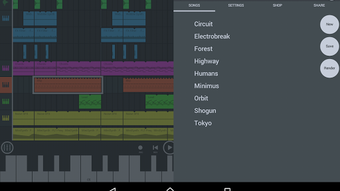
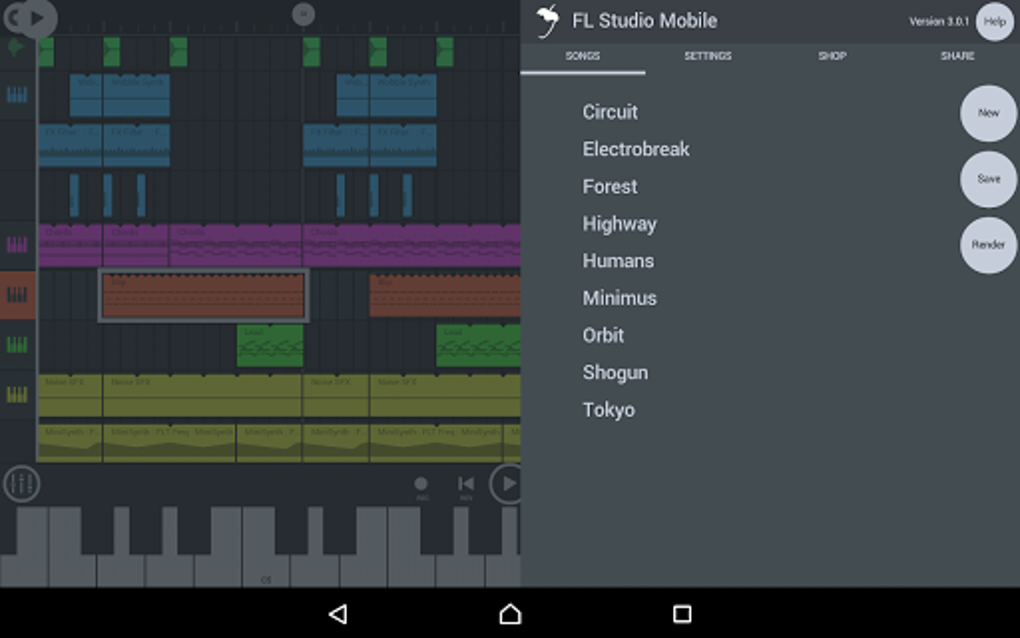
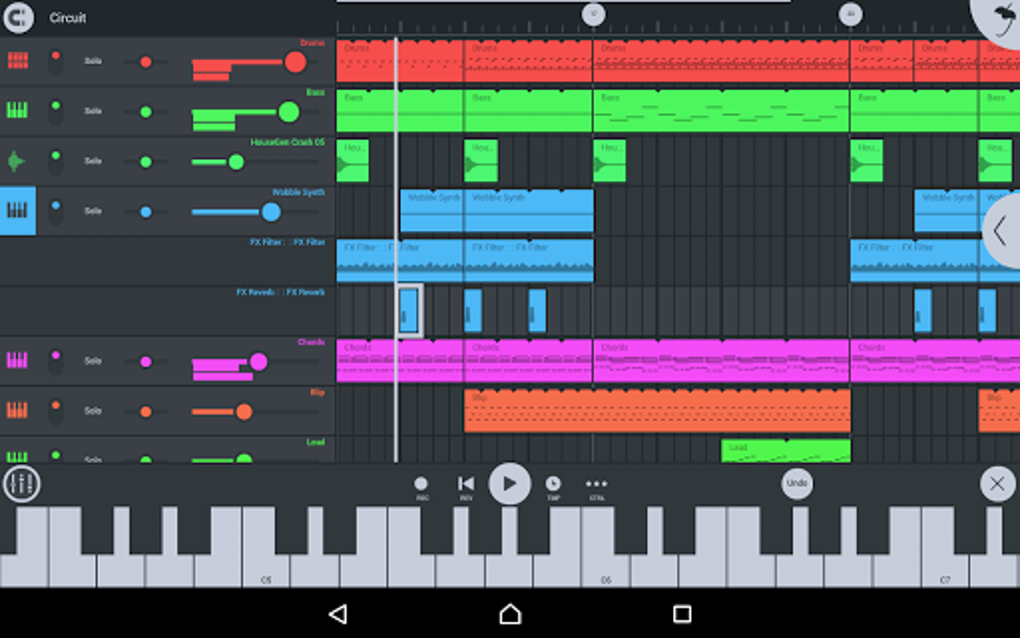
The user interface of FL Studio Mobile is designed with a modern, clean aesthetic that prioritizes accessibility and visual clarity. The layout mirrors the familiar structure of its desktop counterpart, featuring recognizable sections that aid experienced users in navigating the environment. High-contrast colors and well-sized buttons contribute to an intuitive experience, minimizing visual clutter and helping users maintain focus on their creative process.
Navigation is structured around core functions, though the limited screen space on mobile devices may require additional taps to access advanced settings or instrument parameters. The developer did not specify resource usage details, and performance observations are based on general software behavior patterns. Stability and responsiveness appear consistent across tested devices, though users with smaller screens may find certain workflows less efficient.
The interface is optimized for touch input, but complex tasks may benefit from external MIDI controllers. Overall, the workflow is efficient for basic to intermediate production tasks, though users new to DAWs may require time to become familiar with the layout and feature placement.
Compatibility & System Requirements
FL Studio Mobile is available exclusively on the Google Play Store for Android devices. The software is designed to run on current Android operating systems, though exact compatibility details were not provided by the developer. Installation size and hardware requirements were not specified.
The developer did not list specific system requirements, and compatibility information is limited to the platform availability. Users should ensure their device meets general Android app performance standards. The app is intended for mobile use and does not support desktop operating systems.
For users considering cross-platform workflows, the integration with the desktop version of FL Studio is a key consideration. The developer did not provide additional information on compatibility with tablets, wearables, or other mobile platforms.
Pros and Cons
Pros
- Professional-grade music production tools accessible on mobile devices
- High-quality instrument sounds with minimal digital noise
- Seamless integration with desktop FL Studio via plug-in
- Supports multiple export formats for playback and further editing
- Modern, intuitive interface with recognizable DAW layout
Cons
- Limited sound editing capabilities in the base version
- Requires in-app purchases for expanded instrument and sound packs
- No free trial or demo version available
- Interface may feel cramped on smaller screen devices
- Exact system requirements and performance data not disclosed
FAQ Section
Is FL Studio Mobile available for iOS devices?
FL Studio Mobile is currently available only on the Google Play Store for Android devices. There is no official iOS version at this time.
Can I use FL Studio Mobile without an internet connection?
Yes, the app functions fully offline once installed. Internet access is only required for initial download and in-app purchases.
What happens after I purchase the full version?
Purchasing the full version unlocks all instruments, features, and export options. Additional content may still require in-app purchases.
Does FL Studio Mobile support MIDI controllers?
The app supports MIDI input through compatible external controllers, though specific device compatibility was not detailed.
Is there a free version of FL Studio Mobile?
Yes, a free version is available on the Google Play Store with limited instruments and features. It serves as a way to explore the app before upgrading.
Final Thoughts + CTA
FL Studio Mobile delivers a compelling mobile music production experience, combining professional tools with a user-friendly interface tailored for Android users. While it lacks some advanced features like sound editing and includes in-app purchases for full functionality, its core capabilities are robust and well-suited for creators who value portability and workflow continuity. The integration with the desktop version makes it a valuable asset in a hybrid production environment.
Though the absence of a demo version and limited system information may deter some users, those already familiar with FL Studio or seeking a mobile-first DAW will find it a strong contender. For music producers, beatmakers, and independent artists looking to create high-quality tracks on the go, FL Studio Mobile offers a reliable and efficient solution. Download FL Studio Mobile now.






.png)
